Comparison

Servogo vs Squeegee

Both are built for UK window cleaners and field service businesses. Here's where they overlap, where they differ, and which is the better fit for your business.


Feature comparison

Side by side.

Feature Servogo Squeegee
Recurring service plans Yes Yes
Day view with live map Yes Yes
Route optimisation Yes Yes
Drag-drop reordering with live time recalculation Yes No
Weather on the day view Yes No
Branded PDF invoices Yes Yes
Stripe payment links on invoices Yes No
Quotes with client email acceptance Yes No
Payroll tracking for technicians Yes No
Dedicated tech app (offline capable) Yes Yes
Squeegee CSV import (no remapping needed) Yes N/A
UK-based pricing (GBP) Yes Yes

Who Servogo is for

Choose Servogo if…

  • You want clients to pay invoices online by card, automatically marked paid when they do.
  • You need to send and track quotes before scheduling work.
  • You're growing a team and need payroll tracking, roles, and separate tech logins.
  • You want arrival times to update live when you drag a stop, not just reorder the list.
Who should stay with Squeegee

Stick with Squeegee if…

  • You've built your whole workflow around Squeegee's specific UI and don't want to relearn.
  • You have a large community of Squeegee-specific integrations or plugins you depend on.

Migration

Moving from Squeegee takes an evening.

Servogo's CSV import recognises Squeegee's column names out of the box. Export your client list from Squeegee, import the file into Servogo, and your rounds, addresses, and service frequencies land exactly as they were.

  • No remapping. Squeegee's column names (customer name, address, frequency, price) are all recognised. Drop the file in and it maps itself.
  • Try it during the 14-day trial. Import your Squeegee data, run the schedule for a week, and see how Servogo fits before you cancel your current plan.
  • We'll help if you get stuck. Email us during the trial and we'll walk you through the import. Real humans, no bot triage.
Start free trial
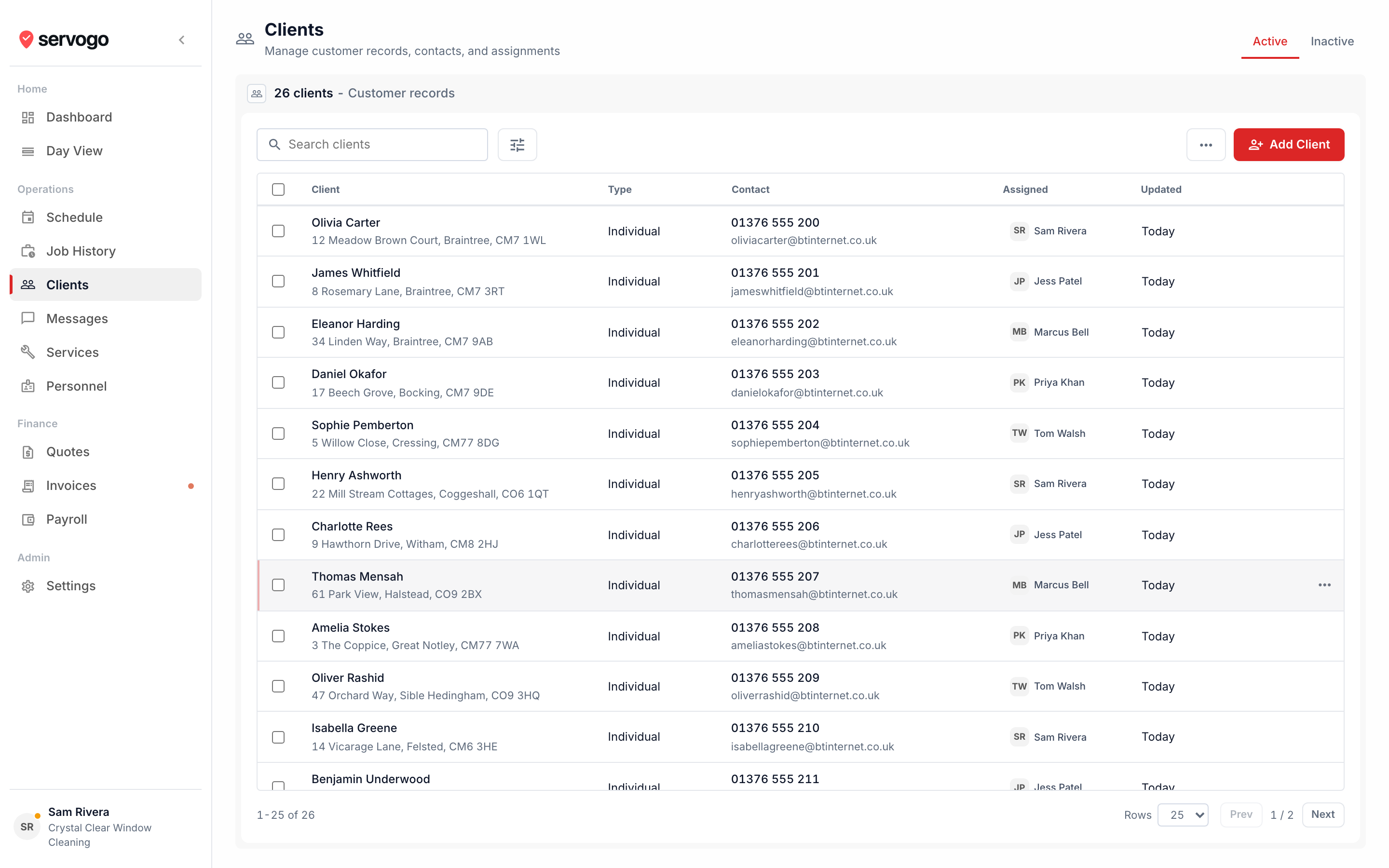
app.servogo.co.uk / clients / import
Servogo client import from Squeegee CSV

Questions

Servogo vs Squeegee, answered.

Will my Squeegee client list import into Servogo without any manual work?
Yes. Export your clients, service plans, and history from Squeegee as CSV. Import that file into Servogo. Squeegee's column names are recognised automatically, so there's nothing to remap. Most migrations take an evening.
What does Servogo have that Squeegee doesn't?
Stripe payment links on invoices (clients pay by card, the invoice marks itself paid), drag-drop reordering with live arrival time recalculation, a weather panel on the day view, quotes with client email acceptance, and payroll tracking per technician.
Is Servogo more expensive than Squeegee?
Servogo starts at £25/month for a sole trader, dropping to £20/month on annual billing. Compare that against your current Squeegee subscription to see where you land. All plans include a 14-day free trial, no card required.
Can I try Servogo before committing?
Yes. The 14-day trial gives you the full Team plan, no card required. Import your Squeegee data during the trial to see exactly how the migration works before you decide.

Related

Looking for a Squeegee alternative? Window cleaning software Servogo vs Jobber